Version 1.4.0
Latest releaseMore ways to organise and navigate your workspace and favour preferred chord voicings, with multiple usability enhancements.
Workspace and navigation
- Collapsible panels. Collapse fretboards and chord organisers to keep larger documents easy to scan and rearrange. Their contents remain available when you reopen them.
- Keyboard panel navigation. Navigate between panels using the keyboard, with shortcuts for moving panels and opening or collapsing them.
Chords and voicings
- Favourite voicings. Save a preferred voicing for a chord, instrument and tuning. Frettler uses an available favourite when you create a chord diagram or change its chord, including diagrams created from the Scale Harmony sheet.
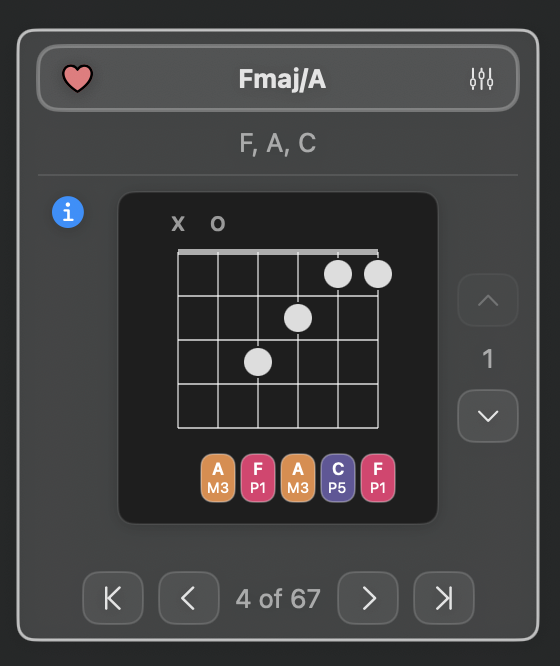
- Chord inversions. Chord organiser diagrams identify inversions, with slash-chord titles showing the bass note and an information popover explaining the inversion.
- Voicing preferences. New Chords settings let you include or exclude inversions and voicings with omitted chord notes. A saved favourite remains stored if these settings make it unavailable.
- Reverse strumming. Hold Option while clicking a chord diagram to reverse the direction of its strum.
Improvements and fixes
- Fixed print scaling so the selected scale is applied correctly.
- Fixed portrait printing to use a layout suited to the page orientation.
- Corrected banjo chord diagrams to respect the shortened fifth string.
- Further improvements to chord voicing calculations.