Fretboard marquee selection
Using the trackpad or mouse, you can click and drag over an area of the fretboard to define a marquee selection. Depending on the fretboard's current mode (play versus marking), Frettler will do one of two things with the notes which fall within the marquee area.
-
Fretboard play mode (default)
Use the mouse or trackpad to create a marquee around a set of notes. On release of the marquee selection, the notes will be played in order. That order is determined by how the marquee selection was created - if from left to right, play will be from the lowest tuned string ie the sixth string on a guitar to the highest tuned string, playing down each string from lowest pitch to highest, and if right to left, in the exact reverse of that order.
Once a marquee for play has been used, the same note sequence can be replayed using the replay button at the top right in the fretboard header bar. Right click the replay button to put it into reverse play mode, after which each time replay is clicked the original selection will be played in reverse. Alternatively, hold the Option key when clicking the replay button, and only that replay will be reversed. If the right click option just mentioned had already put replay into reverse, the Option key click will reverse the reverse.
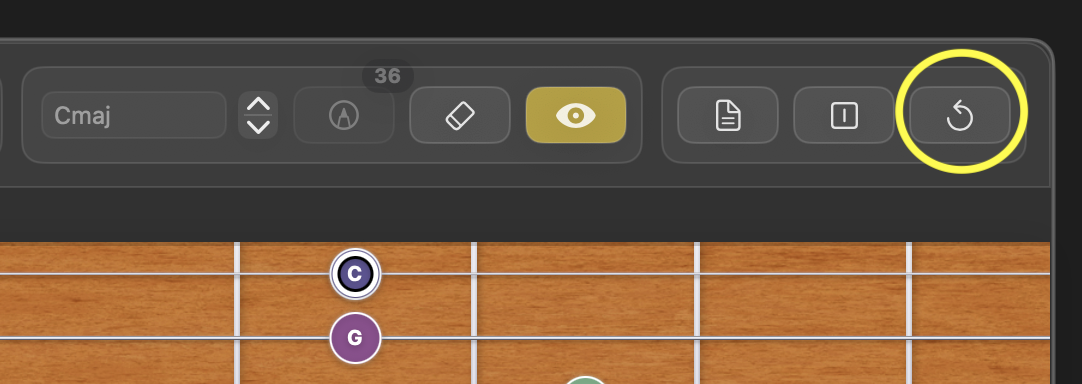
Fretboard header bar showing the Replay button
In the screenshots below showing marquee selections, the mouse pointer shows the end of the selection.
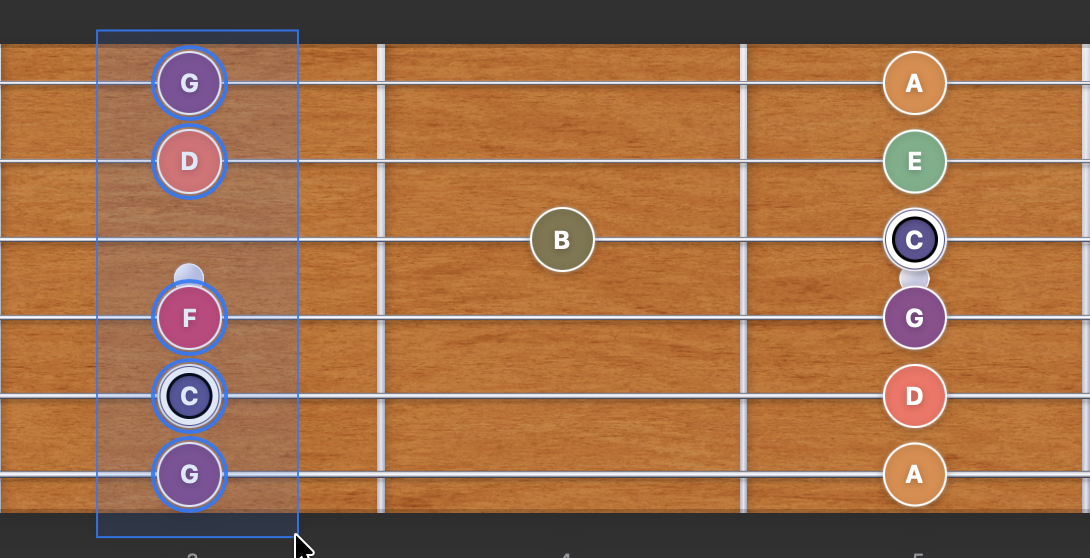
Fretboard play mode - marquee selection with left hand origin. Play order will be G,C,F,D,G. 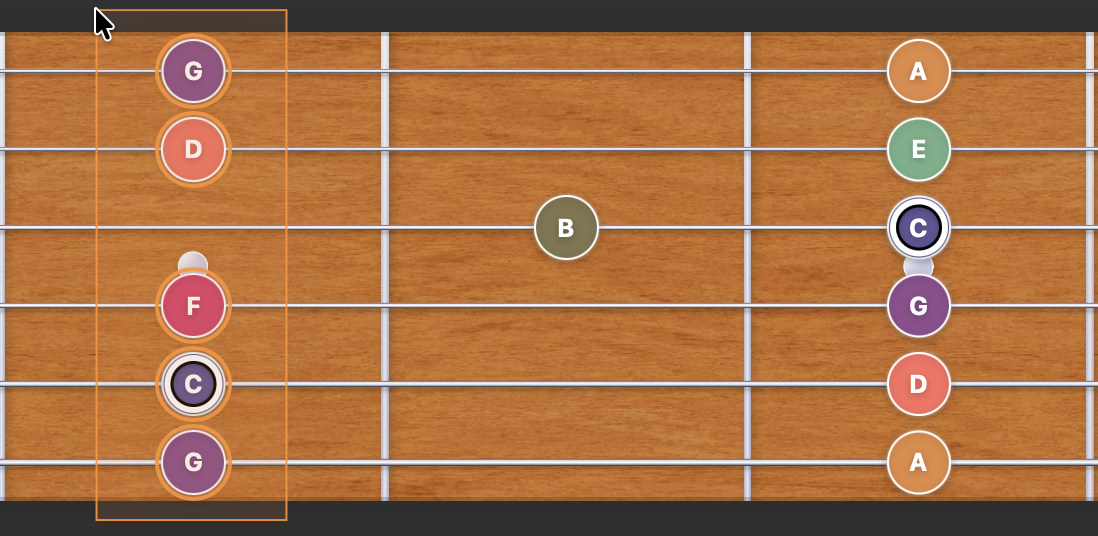
Fretboard play mode - marquee selection with right hand origin. Play order will be G,D,F,C,G. -
Fretboard marking mode
When marking mode is enabled, an alternative to marking notes by clicking them individually is to use the mouse to perform a marquee action around a set of notes. The direction of the marquee selection determines whether notes are marked (left to right) or unmarked (right to left).
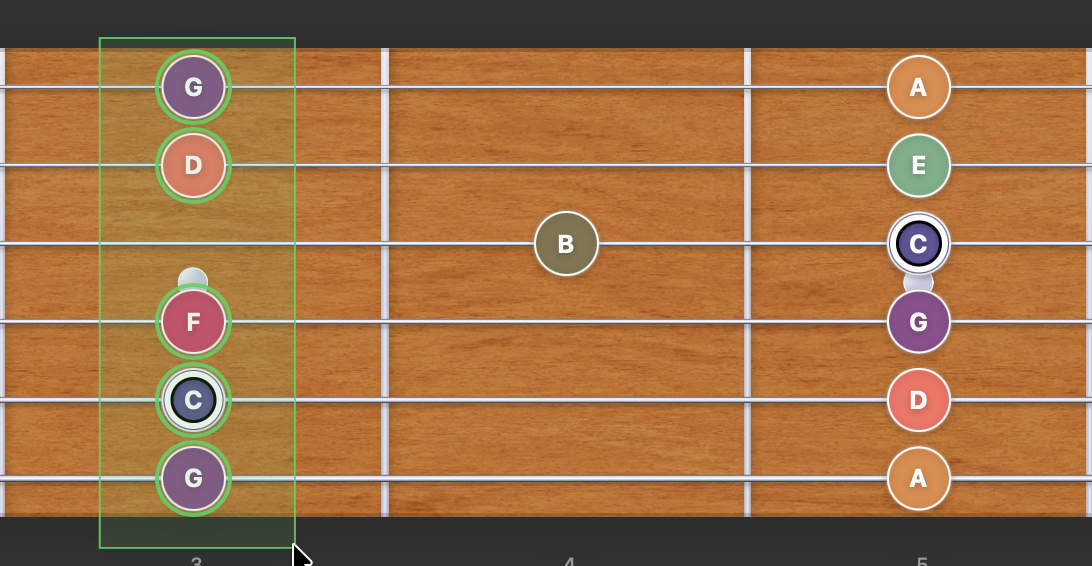
Fretboard marking mode - marquee selection with left hand origin. Notes within the marquee will be marked. 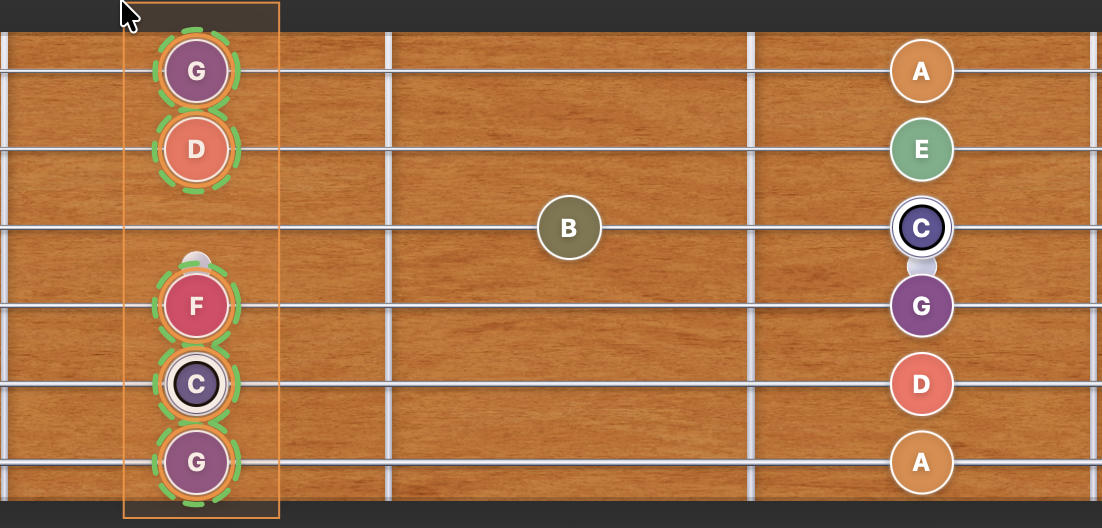
Fretboard marking mode - marquee selection with right hand origin. Notes within the marquee will be unmarked.